




Mix vocals like a pro in minutes with the Vocal Enhancer plugin
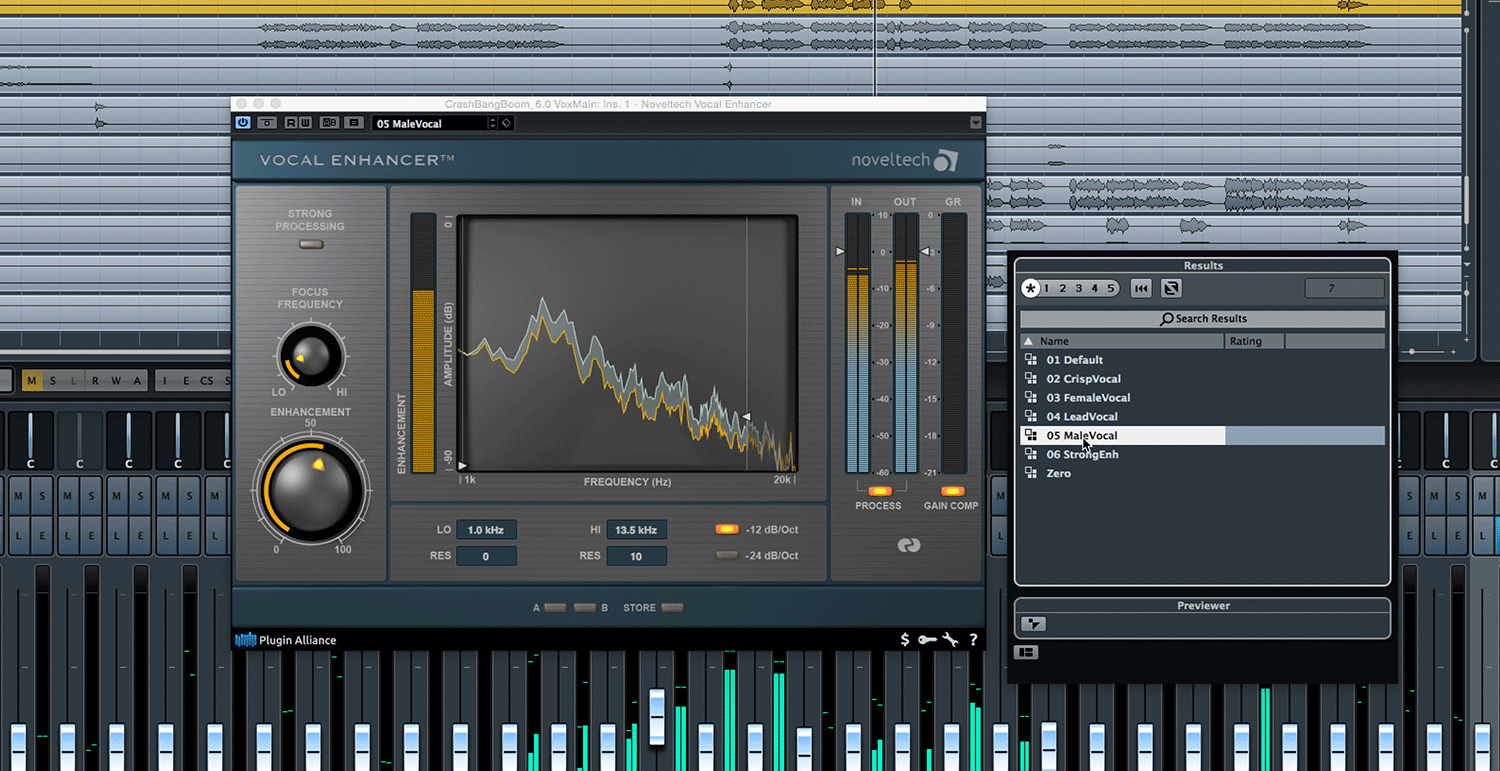
Experience the transformative power of Noveltech's Vocal Enhancer and the ease with which it elevates your vocal tracks. Simply adjusting the Enhancement knob unleashes a blend of dynamic and frequency-dependent processing, adding a polished, glossy feel to your vocals.
Go beyond harmonic exciters using a new type of voice enhancer
Old-school harmonic exciters are notorious for unwanted side effects. Utilizing Noveltech’s Intelligent Adaptive Filtering (IAF) technology, Vocal Enhancer dynamically enhances your audio material’s desirable characteristics. Unlike traditional methods that statically boost frequencies like an EQ or artificially add harmonics like a conventional exciter, IAF adapts to the source material. This ensures a natural tone, even when applied generously.
Enhance any instrument with unmasking through adaptive processing
This versatile plugin does more than enhance vocals; it's a powerful tool for amplifying the detail and definition of snare drums, guitars, synths, and background tracks. The Focus Frequency knob and range selectors ensure your instruments shine in the midrange without overshadowing other elements in the mix.
Refine unprocessed audio in an instant
The Noveltech Vocal Enhancer is crafted for optimal performance with unprocessed audio. It provides raw audio with a glistening airy quality associated with professional vocals. The Auto-Level feature also ensures a harmonious, balanced output without the need for extensive peak-level adjustments.
Enhance audio by unmasking any instrument with adaptive processing
This versatile plugin is more than just a vocal plugin; it's a powerful tool for amplifying the detail and definition of snare drums, guitars, synths, and background tracks. The Focus Frequency knob and range selectors ensure your instruments shine in the midrange without overshadowing other elements in the mix.
Refine unprocessed audio in an instant
The Noveltech Vocal Enhancer is crafted for optimal performance with unprocessed audio. It provides raw audio with a glistening airy quality associated with professional vocals. The Auto-Level feature also ensures a harmonious, balanced output without the need for extensive peak-level adjustments.


